Replies drafted.
Clutter cleared.
Inboxwright learns your voice from past emails, composes the reply you'd have written, and removes everything that's not worth your time.
Three jobs. Handled before you open your inbox.
Voice-matched drafts. Signal-only triage. Auto-cleared clutter. Each one does its job so the inbox you see in the morning is already sorted.
Every reply sounds like you wrote it.
Inboxwright analyzes how you've written to each specific sender — your tone, your phrasing, your natural level of detail — and mirrors it back. Not generic AI prose. Your voice.

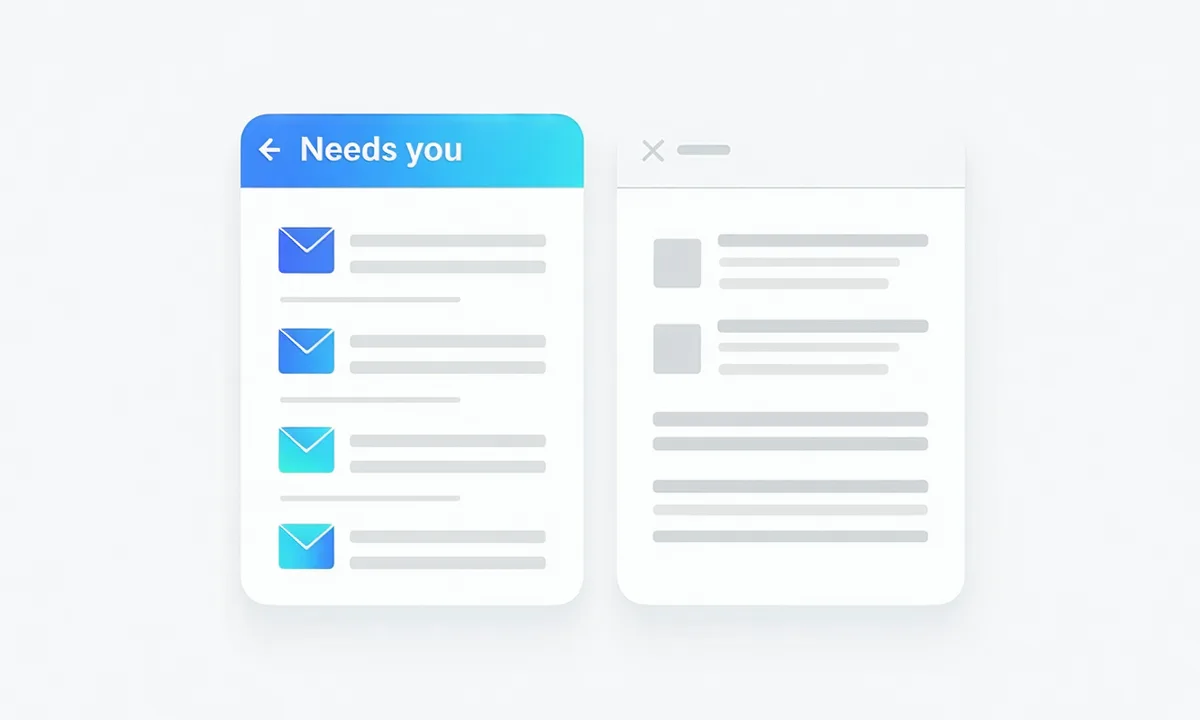
The signal, separated from the noise.
Inboxwright distinguishes what genuinely needs your attention from newsletters, receipts, and reply-all threads. Your view shows only what deserves human judgment.
Newsletters and receipts gone — without unsubscribing manually.
Set rules once. Inboxwright handles the category-sorting automatically. No weekly inbox-cleanup ritual. No fighting with unsubscribe flows. It's just done.
How it works.
Three steps from scattered inbox to inbox clarity.
Connect your inbox
OAuth in 2 minutes. Gmail or Outlook. Inboxwright requests only the minimum permissions needed — read and compose. Revoke anytime.
Inboxwright learns your voice
It reads your sent-mail history to understand how you communicate — not what you said, but how you say it. Pattern only. Processed locally.
New emails arrive pre-drafted
Each morning your inbox shows: what needs you (with a draft ready), and what's already cleared. Review, adjust, send.
Privacy is the product.
Your email content is processed in memory to generate a draft, then discarded. It is never stored on our servers, never logged, and never used to train any AI model. What we retain is a statistical voice profile — not your emails. See exactly what we access and what we don't.
Inbox calm, finally.
"I get 80-100 emails a day. Before Inboxwright I spent 90 minutes just sorting and drafting. Now I spend maybe 20. The voice matching is genuinely uncanny — colleagues have asked if I have a ghostwriter."
"The triage is what sold me. I don't need AI to write clever emails — I need to stop drowning in the ones that aren't worth my time. Inboxwright does exactly that."
"I was skeptical about giving any AI access to my inbox. But the privacy model here is different — it really is just pattern-learning, not content-reading. Setup took three minutes. Worth every cent."
Simple pricing. No inbox tax.
Start free. No credit card needed.
One inbox. Full feature set. No draft caps.
- 1 inbox connected
- Unlimited draft suggestions
- Smart triage
- Auto-clear newsletters & receipts
Up to 3 inboxes, extended voice calibration, confidence scoring.
- Up to 3 inboxes
- Advanced voice calibration
- Reply confidence score
- Priority triage rules
From the team.
Practical writing on email, communication, and attention.

Most AI email tools write in a generic corporate voice. Voice-matching is different: it reads the pattern of how you've written to this specific person.

The email inbox is not a task list. Treating it like one creates the stress of constant incompleteness. The goal isn't zero — it's clarity.

Buried ask, no context, reply-all chains, FYI floods, and the unnecessary CC. These five patterns appear in nearly every busy inbox.
Your inbox has been waiting long enough.
Start drafting replies that sound like you. Start clearing everything that doesn't need you.
Start free trial — no credit card needed Cancel anytime. Setup takes 2 minutes.