How Inboxwright works.
Three steps. Two minutes of setup. No manual rules to maintain after that. Inboxwright learns from your existing behavior and handles the rest.
Connect your inbox
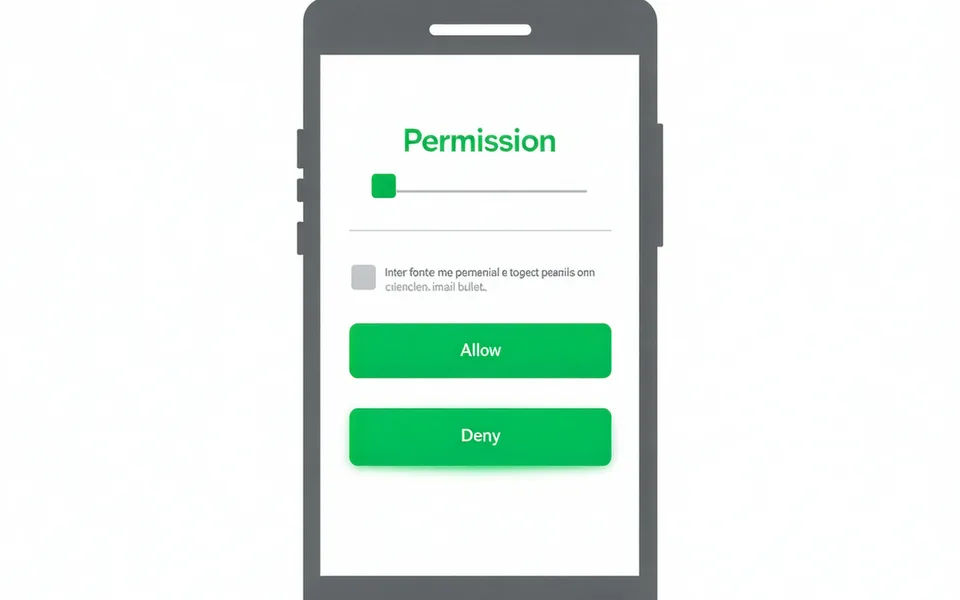
Click "Start free trial" and select your email provider — Gmail or Outlook. You'll see a standard OAuth permissions screen. Inboxwright requests only two scopes: read messages and compose drafts. No write-delete access. No forwarding rules.
The whole connection takes about two minutes. You can revoke access at any time from your Google or Microsoft account settings, independent of Inboxwright.
Inboxwright learns your voice
Inboxwright reads your sent-mail history — not the content, but the pattern. Sentence length, formality register, greeting and closing habits, how often you use lists versus paragraphs. This builds a voice profile tied to each sender relationship.
What this means for your privacy: Inboxwright reads the pattern of your sent messages — reply length, formality register, how you write to this specific sender — and builds a per-sender statistical model. It does not store message text. Your voice profile contains no verbatim email content. Nothing is used to train AI models shared with other users. Full details on our Security page.
New emails arrive pre-drafted and pre-sorted
Starting the next morning, your inbox view changes. Emails that need human attention appear at the top, each with a draft reply ready to review. Newsletters, receipts, and automated notifications are already in the cleared view.
Open an email, read the draft, adjust anything you want, and send. Or start from scratch — the draft is a suggestion, not a commitment.
Questions about access and privacy.
The most common questions we get — answered plainly.