Built around how you actually write email.
Four capabilities, one purpose: reduce the time you spend on email without reducing what your recipients experience. Voice matching drafts replies that sound like you. Smart triage removes the noise before you open your inbox. Clutter clearing handles newsletters and receipts automatically. Reply confidence scoring tells you when a draft is close enough to send.
Core capabilities.
Each is designed for one job. Together they reduce email time without reducing the quality of what your recipients experience — or giving an AI the authority to send on your behalf.
Drafts that read like you — not like AI.
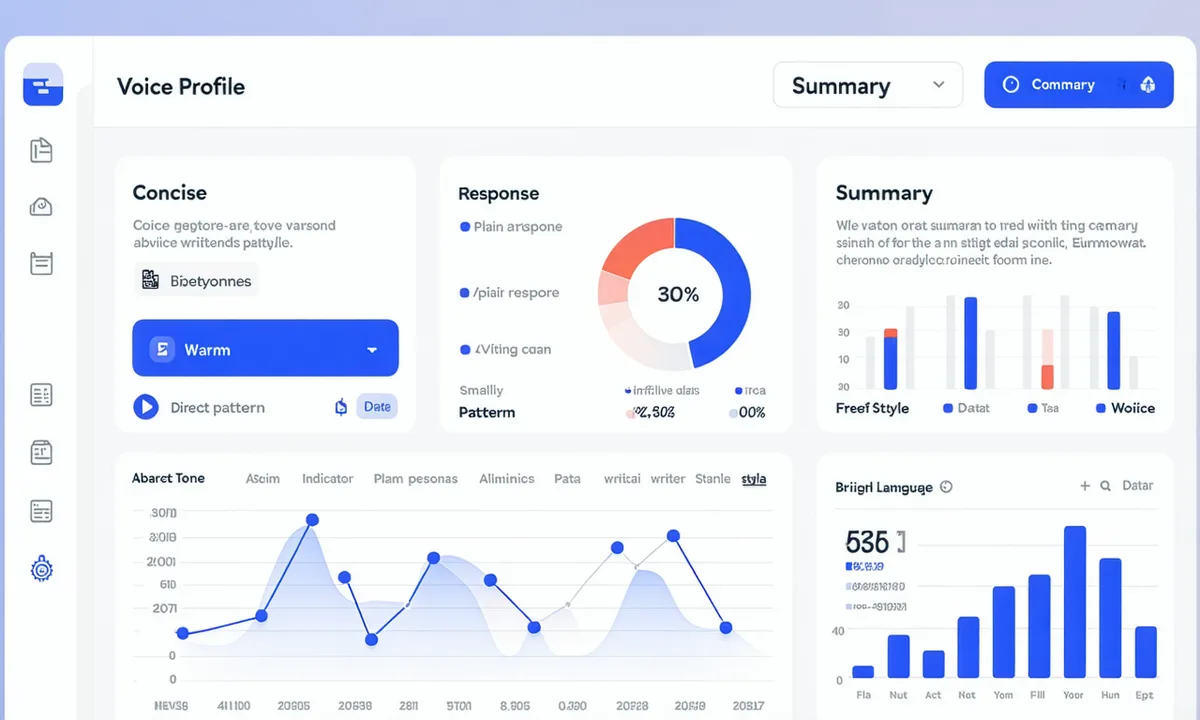
Most AI email writers produce the same recognizable output: formal, hedged, slightly verbose. Inboxwright takes a different approach. It reads the archive of how you've communicated with each specific sender — the register you use with them, your phrasing patterns, whether you write in bullet points or flowing prose, how you handle greetings and closings — and it mirrors your actual style, not a generic professional voice.
The voice model recalibrates each time you edit a draft and send. Corrections feed back into the pattern, so accuracy improves the more you use it. On Pro, 90-day sent history and tone fine-tuning give the model more signal to work with.
Inboxwright drafts the reply. You decide whether to send it. Nothing is sent automatically — not now, not ever.
The pre-sort happens before you open anything.
Every new message is evaluated against your triage rules before it lands in your main view. Action-required threads — direct requests, replies from VIP senders, threads where you're the decision-maker — surface at the top with drafts queued. Everything else: newsletters, receipts, automated notifications, CC chains where no action is needed — routes to the cleared view.
The cleared view is still accessible. You're not deleting anything. You're just removing low-value mail from the queue that demands your attention every morning.
No unsubscribe ritual. Just gone.
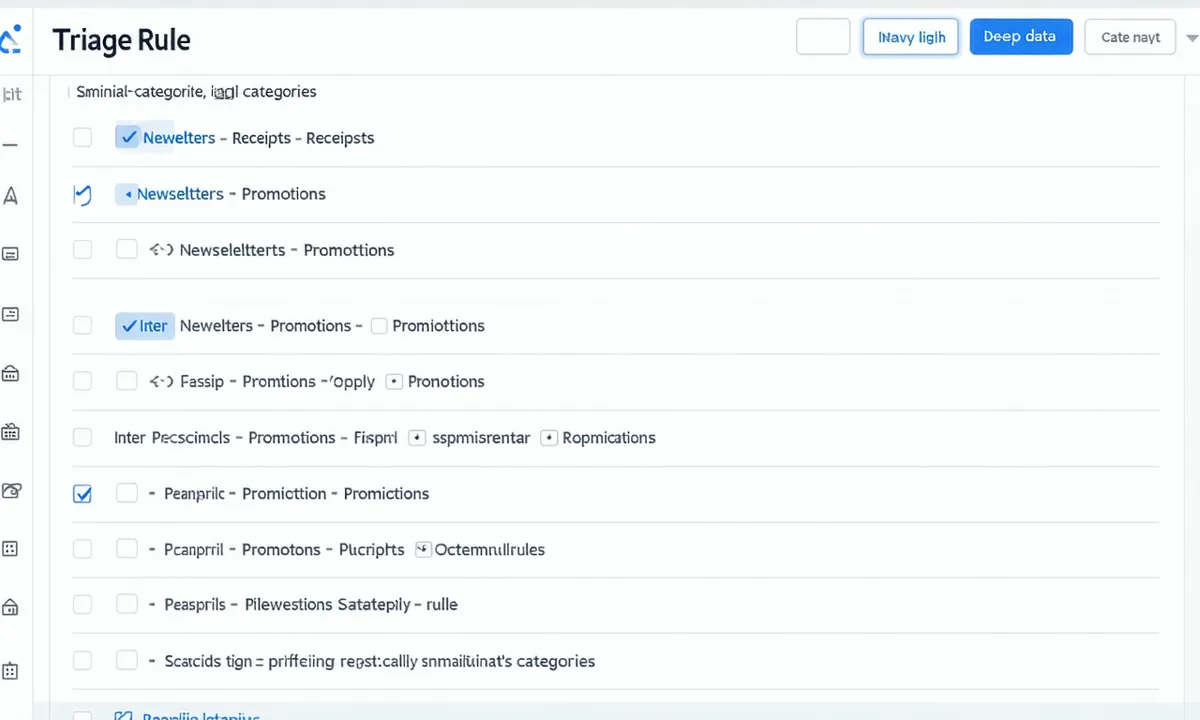
Set category rules once: newsletters, purchase receipts, promotional mail, project management pings, automated status emails. Inboxwright routes each category to the cleared view automatically — no daily intervention, no wrestling with unsubscribe flows that re-subscribe you three months later.
Sender exceptions are easy: whitelist a newsletter you actually read, or mark a sender as always-VIP so their messages always surface. The cleared view keeps everything reachable — this is categorization, not deletion.
Reply confidence score.
A per-draft signal that tells you how closely the output matches your established voice pattern for this sender and context. Not a quality score — a voice-match score. High confidence means it sounds like you. Low confidence means it's worth a second read before sending.
Per-draft confidence rating
Every draft shows a score from 1-100 reflecting how well it matches your established voice pattern for that sender and context type.
Inline edit guidance
When confidence is low, Inboxwright highlights the specific phrases that diverge from your pattern, so you know exactly where to adjust.
Learning loop
Each edit you make trains the voice model further. The confidence score improves as the model learns from your corrections.
Reply scheduling (Pro)
Queue a draft to send at the optimal time — so responses arrive when the recipient is most likely to read them, not at 11pm.
Ready to try it?
Free trial, no credit card required. Setup in 2 minutes.
Start free trial View pricing details →